
If your Google Business Profile has fewer than 10 reviews, you're losing potential customers. 92% of consumers read online reviews, and businesses with low review counts get passed over for competitors with more social proof.
This guide is for business owners who want to collect more Google reviews without annoying customers or violating platform policies. You'll learn the most effective strategies, when to ask for reviews, and common mistakes to avoid.
Set Up Your Google Business Profile
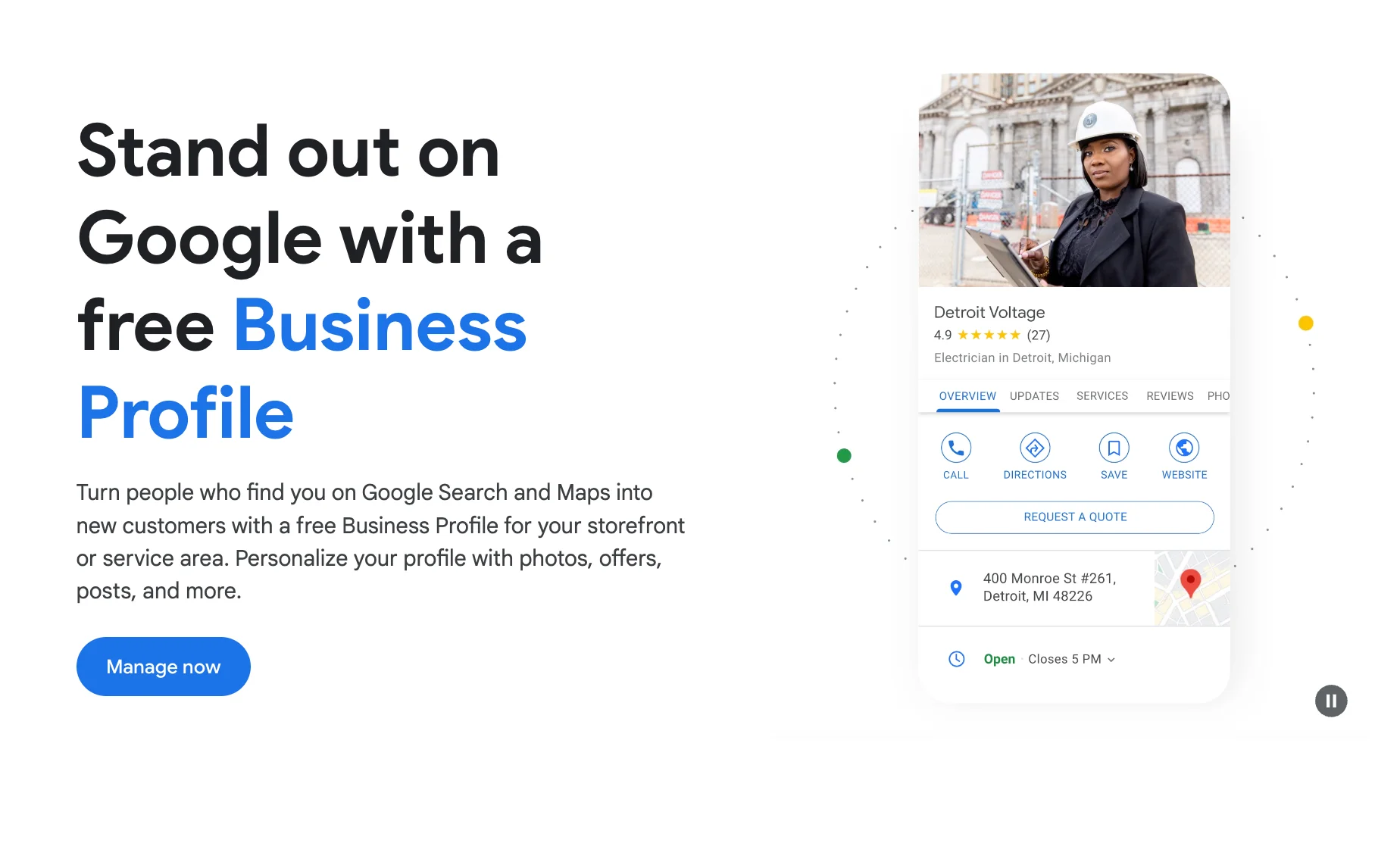
First things first: ensure your Google Business Profile (formerly Google My Business) is claimed and fully optimized. This is where your business reviews will live, so it needs to be in top shape.
- Verify your business
- Add accurate business information
- Include high-quality photos
- Regularly post updates
A complete profile makes it easier for customers to leave reviews and for potential clients to find you.
Send Customers Your Review Link
One of the most direct and effective ways to collect Google reviews is by sending customers your Google review link. This method allows you to reach out to customers shortly after their interaction with your business, when their experience is still fresh in their minds.
Once you have this link, you can:
- Include it in follow-up emails after a purchase or service
- Send it via text message for businesses that communicate with customers this way
- Share it on your social media profiles
- Add it to your website, perhaps on a "Reviews" or "Testimonials" page
Remember, timing is crucial. Try to send this link when you're confident the customer has had a positive experience with your business. This increases the likelihood of receiving positive reviews.
Use Your Thank You Emails to Collect Google Reviews
Your post-purchase "Thank You" emails are prime real estate for review requests. These emails have high open rates because customers are expecting order confirmations or shipping information. Include a clear, friendly request for a Google review with a direct link to your review page.
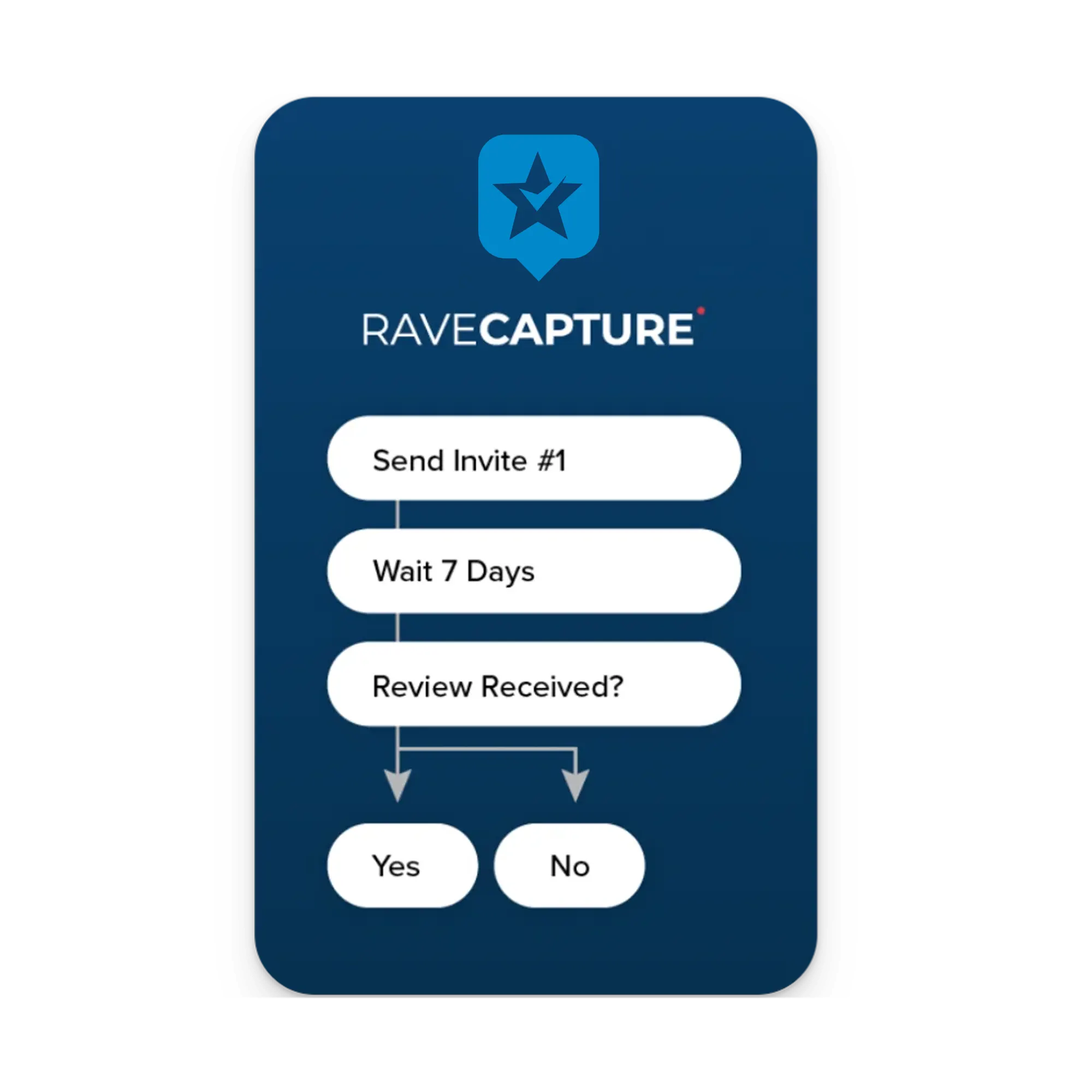
Pro tip: Use a review management platform like RaveCapture to automate this process. Their "Thank You Email" feature can be customized to encourage customers to leave Google Reviews, making the collection process easier.
Train Your Staff to Ask for Reviews
Your employees are on the front lines of customer interaction. Train them to politely ask satisfied customers for reviews. This personal touch can be especially effective for service-based businesses.
Key points for staff training:
- Timing is crucial: Ask when the customer is clearly happy with their experience
- Keep it simple: Provide clear instructions on how to leave a review
- Be genuine: Emphasize that honest feedback is appreciated
Create a Short, Memorable URL
Make it easy for customers to find your Google review page by creating a short, custom URL. You can use Bitly's free URL shortener or a similar tool to create a link that's easy to share verbally or in print materials.
Respond to Existing Reviews
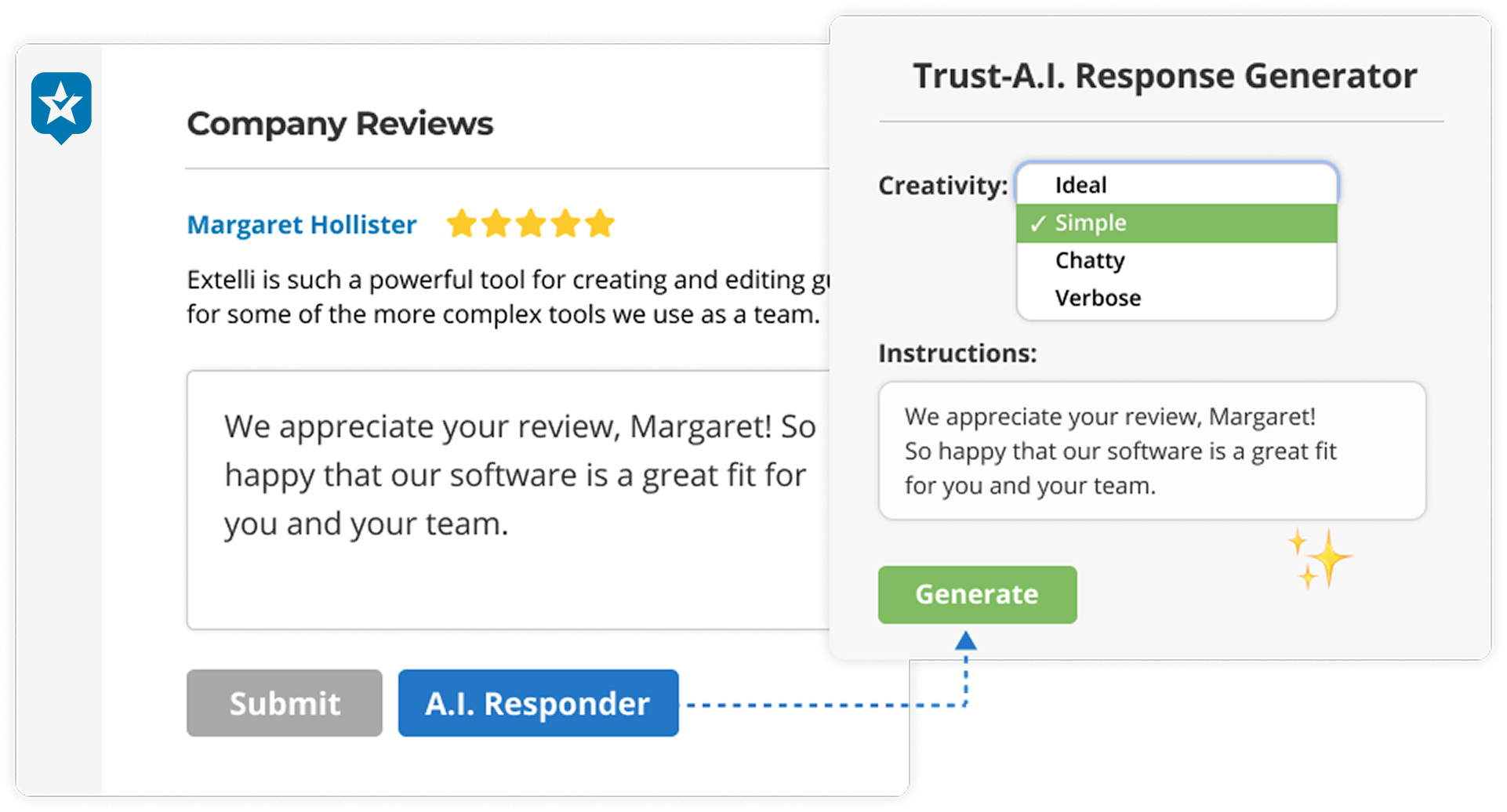
Engaging with your current reviews shows potential reviewers that you value feedback. Respond to both positive and negative reviews professionally and constructively. This engagement can encourage others to leave their own reviews.
Use In-Store Signage
For brick-and-mortar businesses, well-placed signage can be an effective reminder. Create attractive, on-brand signs or cards with a QR code linking directly to your Google review page.
Incorporate Review Requests in Your Email Signature
Add a subtle but noticeable link in your email signature inviting recipients to leave a review. This works well for businesses with frequent email communication with clients.
Use Social Media
While you can't directly collect Google reviews on social media platforms, you can use these channels to remind followers about the importance of reviews and provide easy links to your Google review page.
A Note on Google Business Reviews vs. Product Reviews
It's important to distinguish between Google Business Reviews and product reviews. For collecting Google Business Reviews, it's best to use the methods described above. These reviews directly impact your business's overall rating and visibility in Google search results.
However, for product reviews and ratings, especially those you want to display in Google Shopping ads, using a third-party platform can be highly beneficial. Platforms like RaveCapture offer powerful integrations with Google Shopping PLA (Product Listing Ads), allowing you to showcase your product reviews and ratings within your Google Shopping feed, enhancing both organic and paid listings.
Syncing Product Ratings with Google Ads
If you're specifically interested in showcasing product ratings in Google Shopping ads, here's how you can use a platform like RaveCapture:
- Ensure you're using a platform with Google Shopping PLA integration (like RaveCapture)
- Follow the platform's instructions for setting up the integration
- Regularly sync your product reviews to keep ratings up-to-date
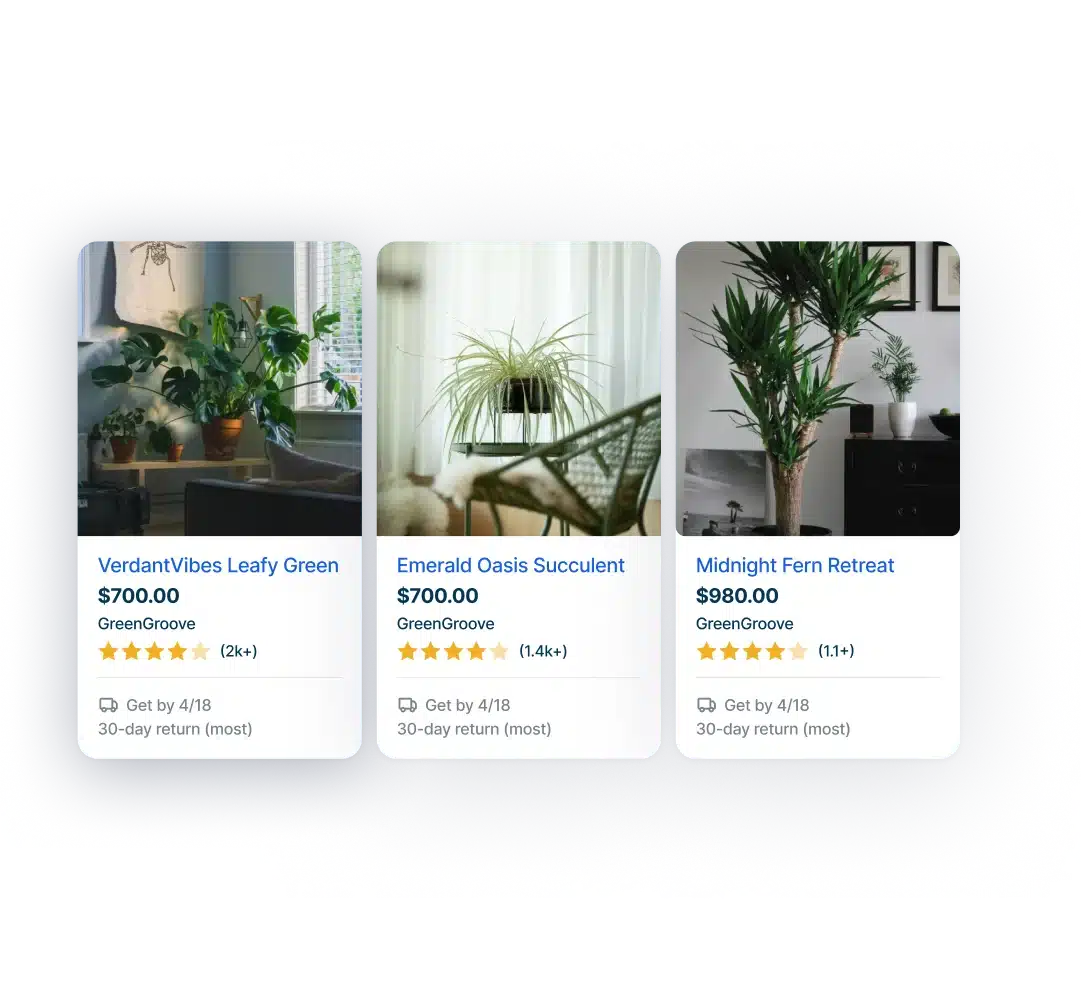
This approach lets you use your existing product reviews to enhance your Google Shopping presence, potentially boosting your click-through rates and conversions.
Common Mistakes When Collecting Google Reviews
Don't make these mistakes that hurt your review collection:
Don't send requests immediately after purchase. Customers haven't received the product yet. Wait until delivery confirmation, then send the request 7-10 days later.
Don't ask only happy customers. Request reviews from all customers, regardless of their experience. This keeps your review profile authentic and avoids platform penalties.
Don't offer incentives for positive reviews. Statements like "Leave us a 5-star review and get 10% off" violate Google's policies and can get your account suspended.
Don't ignore negative reviews. Respond to every review, positive or negative. This shows you value feedback and can turn a negative experience into a positive one.
When to Ask for Reviews: Timing by Business Type
Timing matters. Ask too early, and customers haven't used your product. Ask too late, and they've forgotten the experience.
For product-based businesses:
- Electronics: 7-10 days after delivery
- Apparel: 3-5 days after delivery
- Skincare/beauty: 14-21 days after delivery (customers need time to test)
- Subscription services: After the second or third delivery
For service-based businesses:
- Ask immediately after service completion (while the experience is fresh)
- Follow up 2-3 days later if they haven't reviewed
Do This, Not That:
✅ Do: "We'd love your honest feedback about your recent experience. All reviews help us improve."
❌ Don't: "Leave us a 5-star review and get a discount!"
✅ Do: Send review requests 7-10 days after delivery for products.
❌ Don't: Send review requests the same day as purchase.
If you only do one thing, set up your Google Business Profile completely and set up automated review requests that trigger 7-10 days after delivery. Use RaveCapture to automate this process and ensure you're asking at the right time.


