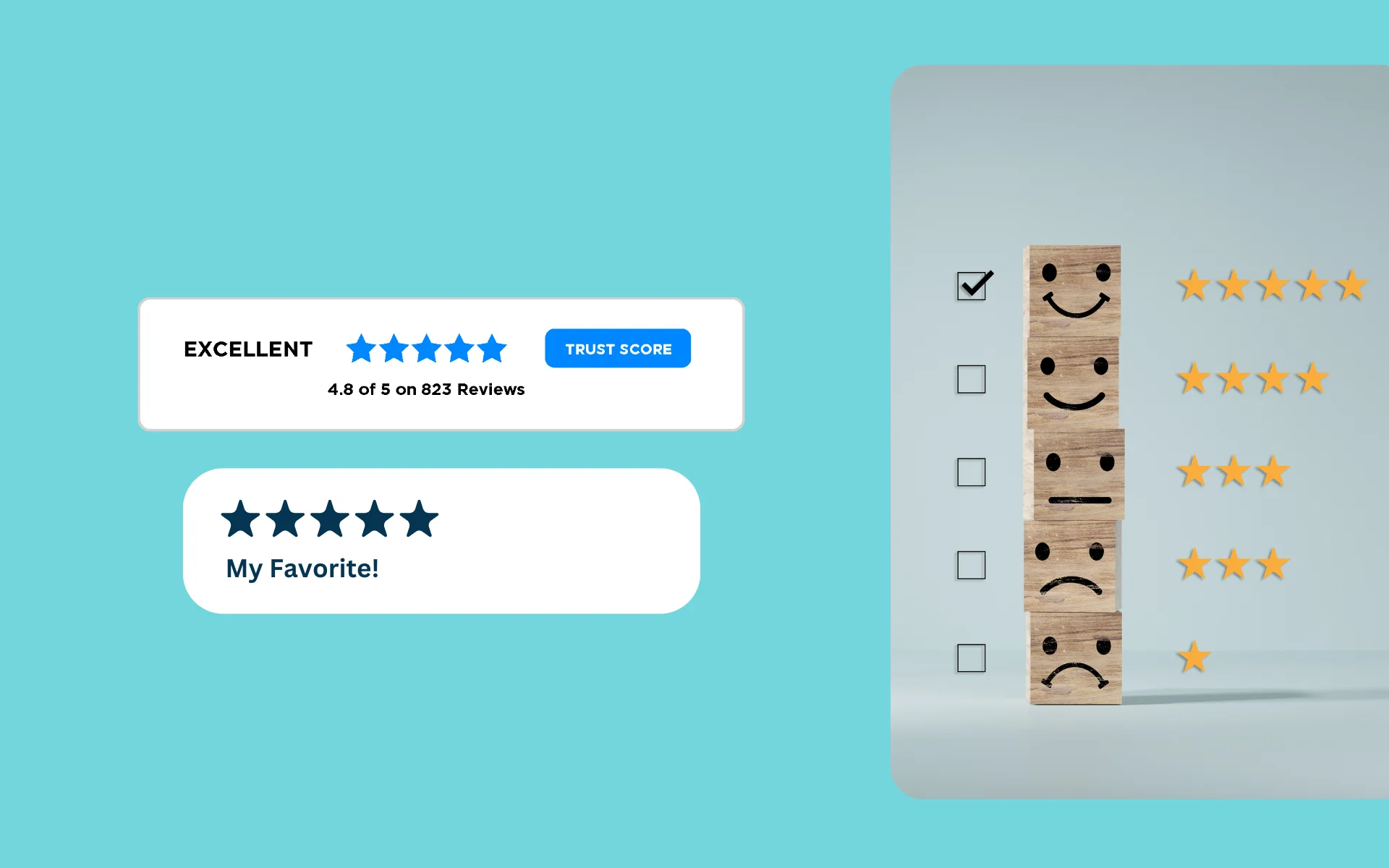
Post-purchase surveys are goldmines for ecommerce businesses. They provide invaluable customer feedback, help improve products and services, and boost customer loyalty. But creating effective surveys isn't just about asking questions—it's about asking the right questions at the right time using the right tools.
Let's dive into how to optimize your post-purchase surveys to get actionable insights that drive your business forward.
Why Post-Purchase Surveys Matter
Before we jump into optimization techniques, let's quickly recap why these surveys are so crucial:
- Fresh feedback: Customers share their thoughts while the experience is still fresh
- Issue identification: Catch and address problems before they escalate
- Product improvement: Get ideas for enhancements straight from users
- Loyalty building: Show customers you value their input
- Content generation: Collect reviews and testimonials for marketing
Now, let's explore how to make your surveys more effective.
Timing is Everything
When it comes to post-purchase surveys, timing can make or break your response rates. Here are some guidelines:
Immediate Feedback
Send a quick survey right after purchase for initial impressions about the buying experience itself.
Product-Specific Timing
For physical products, wait until after the estimated delivery date—typically 7-14 days after purchase. This gives customers time to receive, unbox, and use the product.
Service-Based Businesses
Follow up within 24-48 hours of service completion while the experience is still top of mind.
Long-Term Satisfaction
Send another survey 2-4 weeks post-purchase for more detailed feedback on product performance over time.
Remember, the goal is to catch customers when their experience is fresh, but not to bombard them with constant requests.
Crafting Effective Questions
The quality of your questions directly impacts the value of the feedback you receive. Here are some tips:
Keep It Short
Aim for 5-10 questions maximum. Respect your customers' time, and you'll get higher completion rates.
Mix Question Types
Use a combination of:
- Multiple choice for quantifiable data
- Rating scales (1-10 or 1-5 stars) for satisfaction metrics
- Open-ended questions for detailed qualitative feedback
Be Specific
Ask about particular aspects of the product or service, not just general satisfaction. Specific questions yield specific, actionable answers.
Use Plain Language
Avoid jargon or complex terms that might confuse respondents. Write questions at a conversational level.
Include an NPS Question
"How likely are you to recommend us to a friend?" is a powerful metric that helps you identify promoters and detractors.
Sample Questions to Consider
- "On a scale of 1-10, how satisfied are you with your purchase?"
- "What was the main reason for your purchase?"
- "Did the product meet your expectations? Why or why not?"
- "What's one thing we could improve?"
- "Would you recommend this product to a friend?"
Tools for Creating and Distributing Post-Purchase Surveys
Several tools can help you create, distribute, and analyze post-purchase surveys. Here are some top options:
RaveCapture
RaveCapture specializes in post-purchase surveys and UGC collection. It offers customizable templates and integrates seamlessly with ecommerce platforms like Shopify, BigCommerce, and WooCommerce.
SurveyMonkey
A versatile survey tool with a user-friendly interface and robust analytics.
Typeform
Known for visually appealing surveys that work well on mobile devices.
Google Forms
A free option that's simple to use and integrates well with other Google services.
Hotjar
Combines surveys with heatmaps and session recordings for a holistic view of customer behavior.
When choosing a tool, consider factors like ease of use, integration capabilities, analytics features, and price.
Optimizing Survey Design
The design of your survey can significantly impact completion rates. Here are some best practices:
Mobile-Friendly
Ensure your survey looks good and functions well on smartphones—where many customers will access it.
Progress Bar
Show respondents how far along they are in the survey to reduce abandonment.
Logical Flow
Group related questions together and order them in a natural progression from easy to more detailed.
Personalization
Use the customer's name and reference their specific purchase to make the survey feel relevant.
Branding
Keep the survey design consistent with your brand for a seamless experience.
Incentivizing Responses
While you don't want to bribe customers for positive feedback, offering an incentive can boost response rates. Consider:
- Discount on next purchase (5-10% off)
- Entry into a prize draw for a larger reward
- Loyalty points that can be redeemed later
- Early access to new products
Be clear about the incentive upfront, but make sure it doesn't overshadow the importance of honest feedback. For more on this topic, see our guide on review incentive ethics.
Analyzing and Acting on Feedback
Collecting data is just the first step. The real value comes from analysis and action:
Look for Patterns
Are there common praises or complaints across multiple responses?
Quantify Results
Track NPS scores and satisfaction ratings over time to identify trends.
Share Insights
Make sure relevant teams (product, customer service, marketing) see the feedback and understand its implications.
Close the Loop
Follow up with respondents, especially those who had issues. This shows you're listening and builds loyalty.
Implement Changes
Use the feedback to make concrete improvements to your products or processes.
Advanced Techniques
Once you've mastered the basics, consider these advanced strategies:
A/B Testing
Try different question wordings or survey designs to see what gets the best response rates and quality of feedback.
Conditional Logic
Use answers to previous questions to determine which questions to ask next, creating a personalized survey experience.
Sentiment Analysis
Use AI tools to analyze open-ended responses for emotional tone and key themes.
Integration with CRM
Connect survey responses to customer profiles for a more complete picture of each customer's journey.
Predictive Analytics
Use survey data to forecast future customer behavior, churn risk, or product issues.
Avoiding Common Pitfalls
Even well-intentioned surveys can go wrong. Here are some mistakes to avoid:
Survey Fatigue
Don't over-survey your customers. Space out your requests and be strategic about when you ask for feedback.
Leading Questions
"How amazing was your experience?" skews results. Stay neutral with phrasing like "How would you rate your experience?"
Ignoring Negative Feedback
It's not comfortable, but negative feedback is often the most valuable for improvement.
One-Size-Fits-All Approach
Tailor surveys for different product categories or customer segments when appropriate.
Failing to Act
If you ask for feedback, be prepared to use it. Customers notice when nothing changes despite their input.
Leveraging User-Generated Content
Post-purchase surveys aren't just about gathering data—they're also an opportunity to collect user-generated content. Ask customers to:
- Share photos or videos of them using the product
- Provide a testimonial you can feature
- Rate the product for display on your site
RaveCapture can help you seamlessly collect and display this content, turning customer feedback into powerful social proof.
Key Takeaways
Optimizing post-purchase surveys is an ongoing process. It requires a mix of the right tools, thoughtful question design, and a commitment to acting on the feedback you receive.
By following these best practices and continually refining your approach, you can turn every purchase into an opportunity for improvement and growth.
Remember, the goal isn't just to collect data—it's to build stronger relationships with your customers and create a better shopping experience. Start asking, start listening, and watch your ecommerce business thrive.
Ready to optimize your post-purchase surveys? Explore RaveCapture's experience surveys to start gathering actionable customer insights today.